

Member Help Centre

Learn how to use Kynd, fix a problem and get answers to your questions.

Deleting Your Account

Account & Profiles

Deleting Your Account

Last updated on 04 Nov, 2025

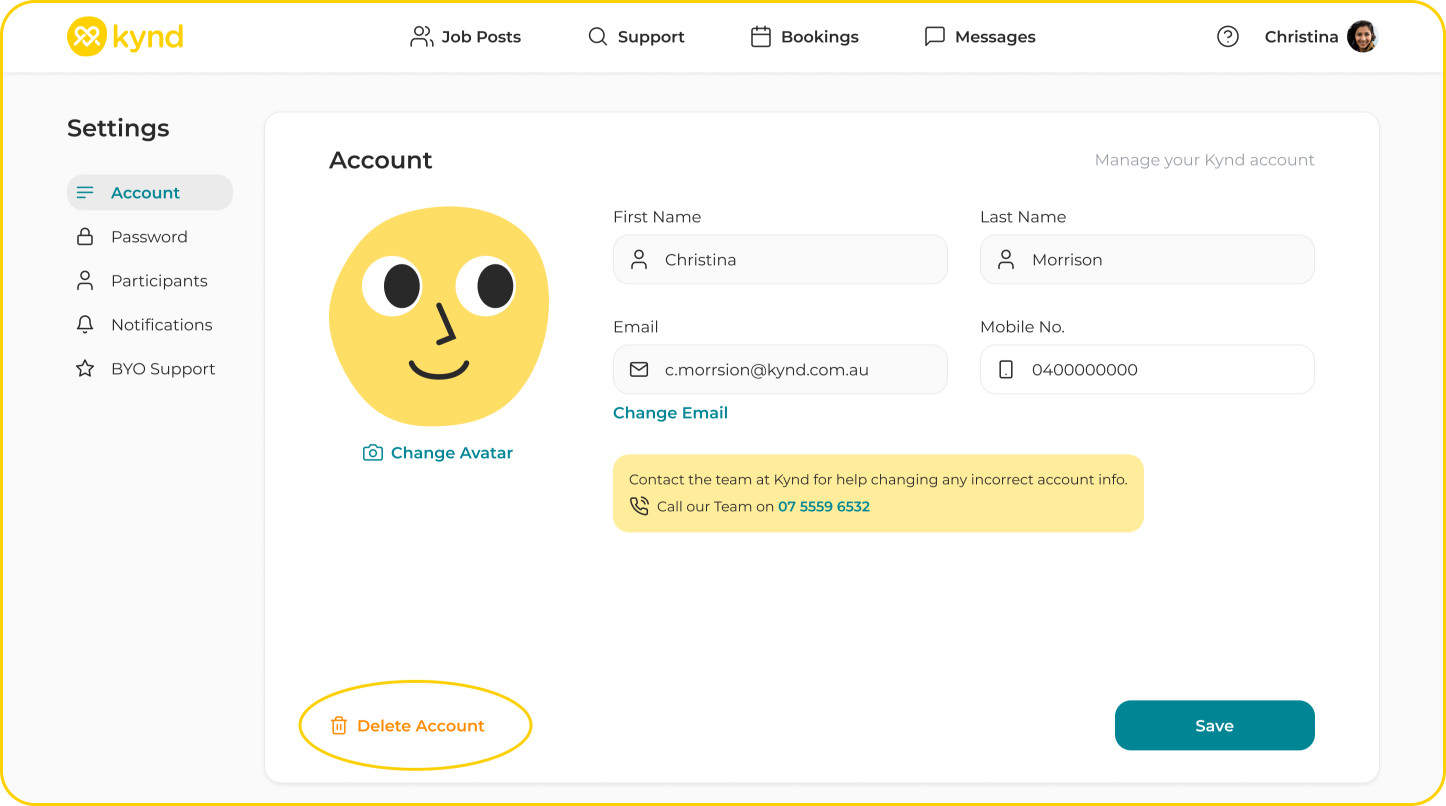
You can delete your Kynd account via your Profile Setting Menu > Account. 

Select 'Delete Account' at the bottom of your Account page. 

Note: You will not be able to delete your account until all active bookings are Cancelled, and Approved bookings have been settled.
 

Image
Did you find this article helpful?
Previous

Two-Factor Authentication

Next